

This mobile client app for PstRotator lets you control and rotate your antenna directly from your phone. It’s especially handy during servicing, repairs, or routine inspections — no need to go back and forth. Simply pull out your phone while standing next to the antenna and rotate it exactly the way you need. The app communicates with PstRotator via the Hamlib protocol for smooth and reliable operation.
Installation guide:
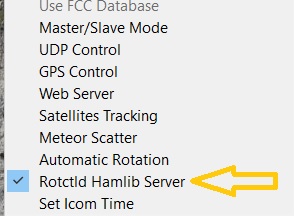
- In PstRotator, open the Setup tab and enable the Rotctld Hamlib Server.
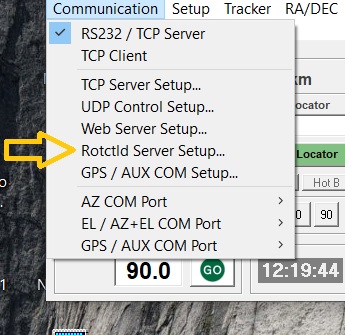
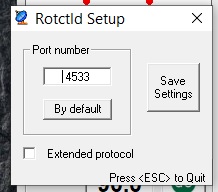
- Optionally, go to Communication -> Rotctld Server Setup to check or adjust the port settings.
On your phone, open the PstRotatorClient app, go to Settings (the three-star icon), and enter the IP address of the computer running PstRotator along with the port number.
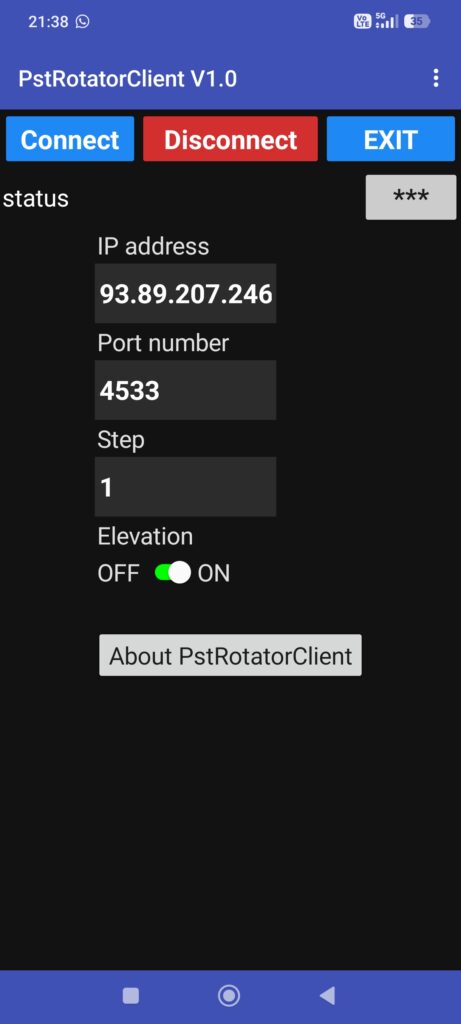
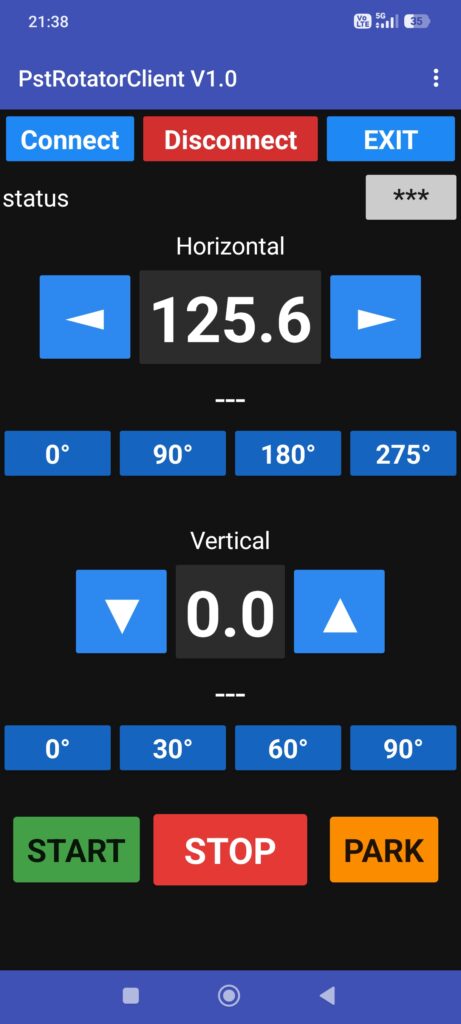
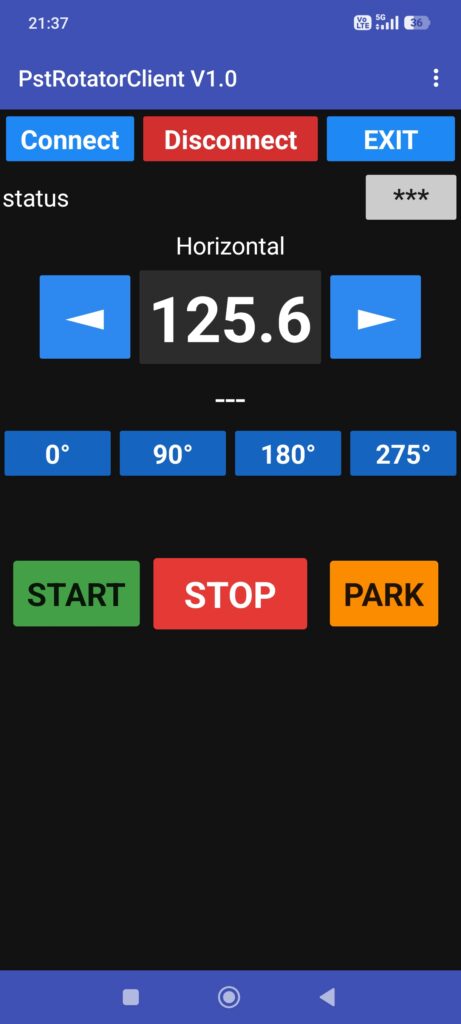
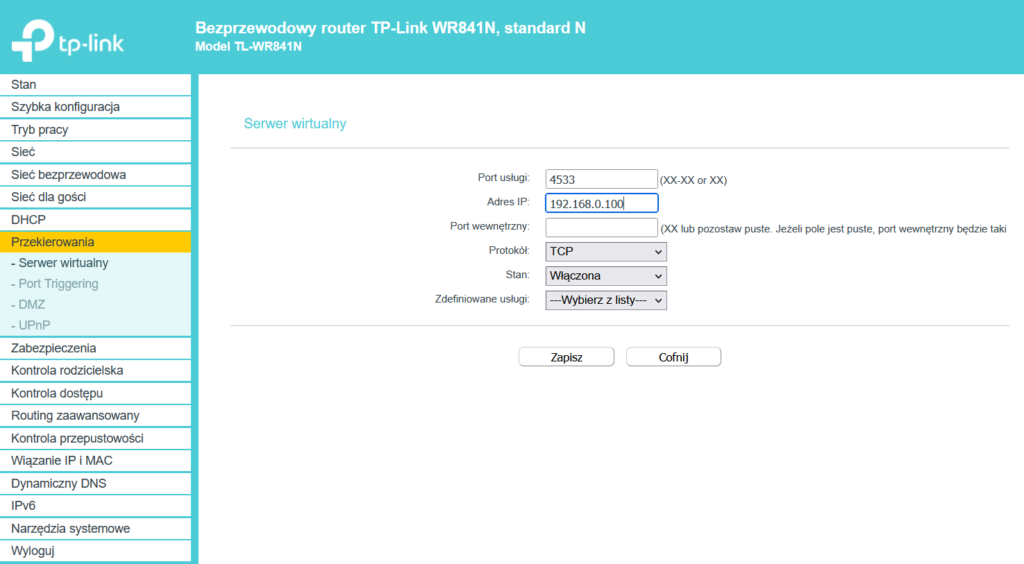
That’s it for the installation. Please note, however, that this setup works locally. If you want to control the antenna when you are outside the range of your local Wi-Fi network, you need to enter your global (public) IP address instead of the local one. You can check your current public IP address using a service such as https://www.whatismyip.com/
Operation:
Tap Connect and the current antenna position should load (provided your rotor controller supports it). Select a preset position and tap Start to rotate.
- If you long-press a preset, the current antenna position will be saved to that preset.
- If you long-press one of the four quick presets, a dialog will open allowing you to change the value assigned to that button.
In the Settings (*** icon), you can adjust the tuning step size or disable elevation control.
App is available on Google Play